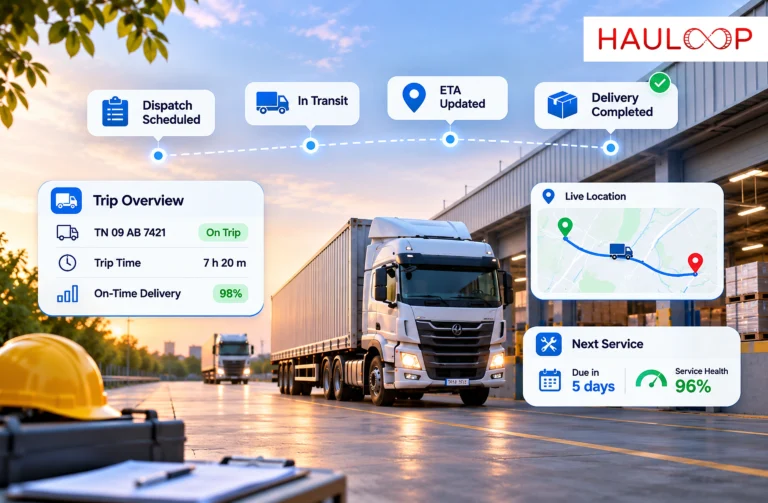
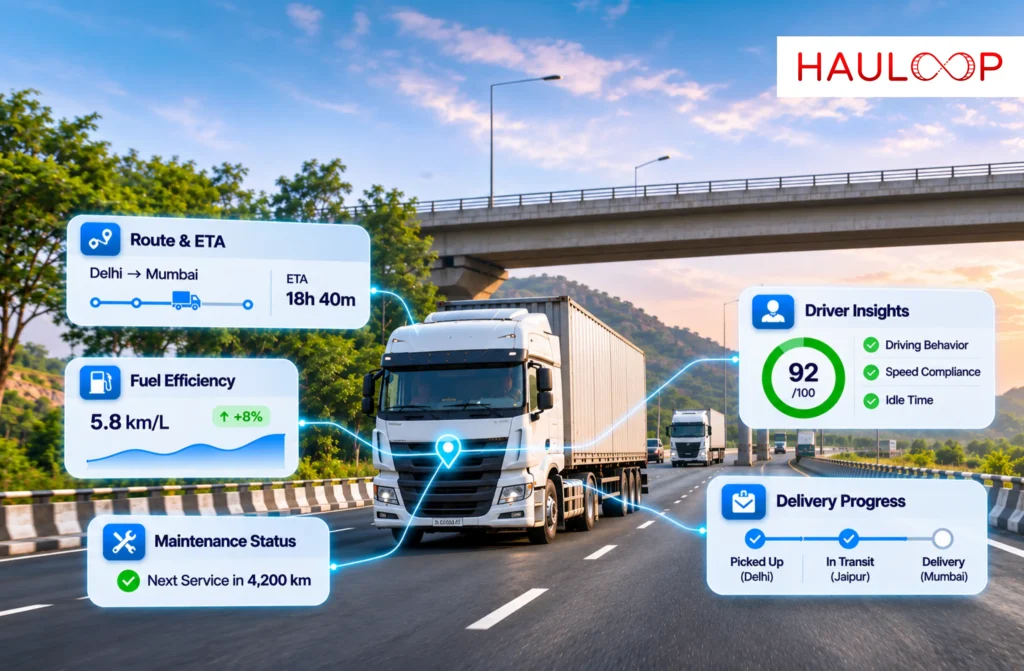
A dispatcher opens the tracking screen at 10:30 a.m. Truck 28 appears on the map outside Nagpur. The customer expects it at the warehouse by noon.
The last GPS update shows a position. It does not confirm whether the truck is moving, why it stopped or whether it will arrive on time.
Calling the driver may fill the gap, but the software has answered only the easiest question.
India’s road network exceeded 63 lakh kilometres as of 31 March 2025, including 1,46,204 kilometres of National Highways, according to a Government of India infrastructure update. Operating across that network requires more than moving dots.
The best fleet tracking software in India should connect location with movement, stops, route progress, ETA, alerts and completed-trip evidence. Let’s examine what the software should reveal beyond a vehicle’s reported position and how a fleet can test those capabilities before choosing a platform.
Understand What Fleet Tracking Software Actually Does
A GPS device calculates a position and sends it through an available network. Tracking software presents that data as location, movement or journey history.
The software does not create data that the hardware never captured. Its visibility depends on:
- The device and installation
- Available power
- GPS signal quality
- Mobile or satellite connectivity
- Reporting frequency
- Correct vehicle mapping
- Information supplied by the device provider
A polished map cannot correct an inactive SIM, loose connection or tracker mapped to the wrong vehicle.
Hauloop’s live tracking connects supported location data with trip, route, stop and movement information. Reporting must still be tested with the fleet’s devices.
A Map Pin Should Show Whether the Information is Current
“Live” does not mean every position arrives continuously. Update intervals depend on device settings, power and network availability.
A device may stop transmitting in a low-coverage area and upload stored points later. Those points explain the route, but they were unavailable during the gap.
The tracking screen should therefore display:
- Time of the last update
- Current connectivity or device status
- Whether the vehicle is moving or stationary
- Whether points arrived after a delay
- Any unexplained reporting gap
Without data freshness, dispatch may treat an old position as current. Good software makes that uncertainty visible.
Location Becomes Useful When It is Connected to the Trip
Truck 28’s coordinate becomes useful only when connected with its assigned journey.
Dispatch should be able to see:
- Where the trip started and where it should end
- The planned and actual route
- Completed and remaining stops
- Time spent moving, stopped or idling
- Distance travelled and remaining
- Current ETA and possible arrival risk
- The order, driver and customer linked to the trip
A live map can combine supported vehicle, driver and trip information. Dispatch can then ask, “Is this trip progressing normally?”
This separates passive location checking from active tracking between dispatch and delivery.
Stops Must Be Classified Before They Become Alerts
A stationary truck is not automatically delayed or wasting fuel.
It may be at a toll, delivery, authorised break, loading queue or refrigeration stop. The same duration can carry different meanings.
Software should compare the stop with its location, route and schedule. A customer-zone stop may be expected; an unplanned roadside stop may need verification.
The event should be reviewed without automatically blaming the driver.
Alerts Should Identify the Exception and the Required Response
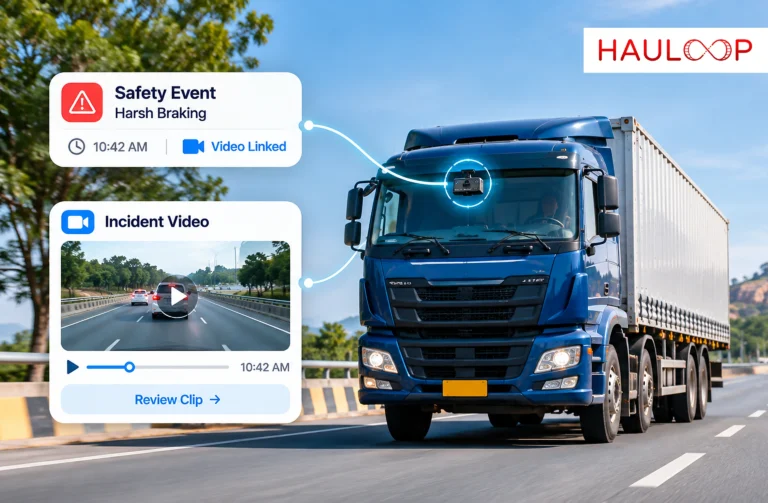
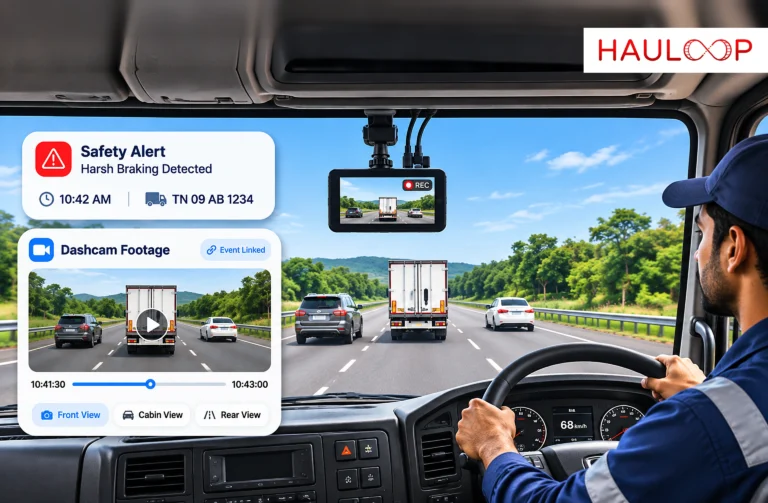
Tracking software can generate many notifications: route deviation, prolonged stop, geofence entry, speeding, idling or delayed arrival.
An alert becomes useful when it answers four questions:
- Which vehicle and trip are affected?
- What rule or change triggered the alert?
- Why does it matter now?
- Who should review or respond?
A route-deviation alert should show the approved route, position, deviation time and trip impact. Dispatch can then check for a closure, instruction or unauthorised movement.
Fleet geofencing turns defined locations into entry or exit events. A crossing does not prove loading or delivery; it only shows that a reported position crossed the zone.
ETA Should Change When the Journey Changes
An ETA calculated at departure changes when traffic, stops, routes or loading conditions change.
Fleet tracking software should update the estimate as new movement data arrives. It should also show when limited or delayed data reduces confidence in that estimate.
An updated ETA gives dispatch time to notify the customer or adjust later work. It does not guarantee arrival.
Its value is revealing risk before the delivery window is missed.
Completed Trips Should Remain Available for Investigation
Live visibility supports the journey; history explains what happened afterwards.
If Truck 28 arrives late, the current map cannot show where the delay began. Trip replay can show routes, stops, deviations and reporting gaps in sequence.
The record can answer practical questions:
- Did the vehicle leave on time?
- Where did the first delay occur?
- Was the planned route followed?
- How long did the vehicle remain at each stop?
- Was the late arrival part of a repeated pattern?
The evidence can then improve the next plan.
Mixed Fleets Need One View Without Hiding Data Differences
Indian fleets may operate owned trucks, attached vehicles and hired capacity. Their tracking data may come from several device brands and providers.
The platform should connect supported sources without replacing every working tracker. “Hardware-agnostic” does not mean universal compatibility.
Verify each source’s protocol, permissions, frequency and fields. An owned vehicle may provide ignition data while a hired truck supplies periodic location. They are not equally detailed records.
Data gaps and source limitations must remain visible.
Test the Software on a Real Route Before Choosing It
A demonstration may avoid the fleet’s actual operating conditions.
Test representative vehicles and routes, including urban movement, low coverage and a familiar multi-stop trip.
During the test, confirm:
- Vehicles are mapped to the correct registrations.
- Update times and offline periods are visible.
- Stops and trips begin and end correctly.
- Alerts match the configured rules.
- ETAs respond sensibly to changing progress.
- Historical replay matches the completed journey.
- Hired or third-party vehicles show their actual data limitations.
- The team knows who supports device and platform problems.
The best software is not the one with the most icons. It is the one that gives the fleet reliable information at the point where an operating decision must be made.
Conclusion: Location Should Lead to an Operational Answer
Return to Truck 28 outside Nagpur. A map pin confirms its reported location, but the customer needs an arrival answer and dispatch needs to know whether intervention is required.
Effective fleet tracking connects that position with data freshness, movement, route progress, stops, ETA and the assigned trip. It shows when the information is incomplete and preserves the completed journey for later review.
That is what the best fleet tracking software in India should reveal beyond vehicle location: not simply where a truck appears on a map, but what its movement means for the trip and what the operations team should check next.
AI-powered fleet management software can connect supported vehicle locations with trips, routes, alerts and historical movement. Book a Demo to test the tracking workflow using your own vehicles, devices and routes.
Frequently Asked Questions
What should fleet tracking software show during an active delivery trip?
For a truck completing five customer stops, the software should show its latest location, update time, movement status, completed stops, remaining route and changing ETA. Dispatch can then focus on the trip that is falling behind instead of calling every driver.
Can fleet tracking software continue showing a vehicle without network coverage?
The screen may retain the last known location, but it cannot show new live positions without a data connection. A compatible device may store points and upload them later. The software should label the gap so dispatch does not mistake an old position for current movement.
How can tracking software identify an unauthorised route deviation?
The planned route or operating zone must be configured first. If a truck moves outside that route, the platform can flag the difference. Dispatch should then check closures, approved instructions and GPS accuracy before treating the event as unauthorised.
Can one tracking platform display vehicles using different GPS providers?
It may combine supported feeds in one view. For example, owned trucks may supply frequent GPS and ignition data while attached vehicles provide periodic locations. The platform should preserve those differences rather than implying that every vehicle supplies identical information.
Does entering a customer geofence prove that a delivery was completed?
No. It shows that the reported vehicle position crossed the configured boundary. Delivery completion requires additional evidence such as the consignment record, recipient, time, signature, quantity and any exception reported during handover.
How should an Indian fleet test tracking software before purchasing it?
Use several representative vehicles and routes, including a known low-network area. Verify vehicle mapping, data freshness, stop detection, alerts, ETA behaviour, trip replay and support responsibility before expanding to the complete fleet.