Digital DVIR Inspections That Keep Your
Fleet Safe and Road-Ready

Make every pre-trip and post-trip inspection consistent and accountable. Hauloop enables drivers to complete DVIR reports digitally, record defects instantly, and ensure vehicles are cleared before they go on the road.
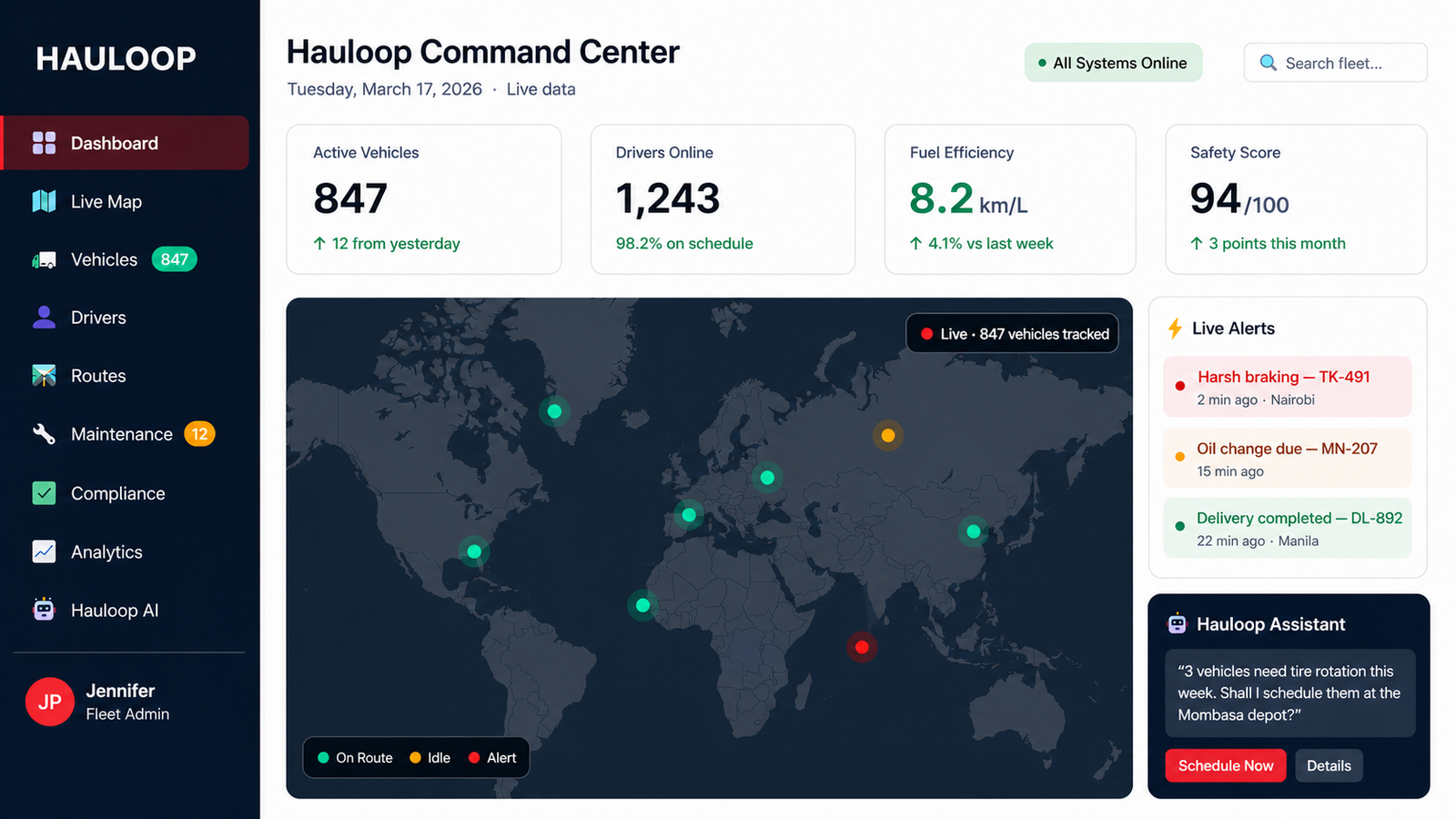

Hauloop digital DVIR inspection dashboard showing vehicle inspection checklists and defect reports

Know the Condition of Every Vehicle - Before It Leaves the Yard

Inspections shouldn't be paperwork that gets ignored. Hauloop ensures every vehicle is checked, every issue is recorded, and nothing is missed before a trip begins.

  • Complete pre-trip and post-trip inspections with structured digital checklists
  • Capture defects instantly with clear notes and driver accountability
  • Ensure vehicles are approved before dispatch - not after problems occur
  • Maintain a consistent inspection process across drivers and vehicles
Digital fleet inspection interface with vehicle checklist and defect reporting tools
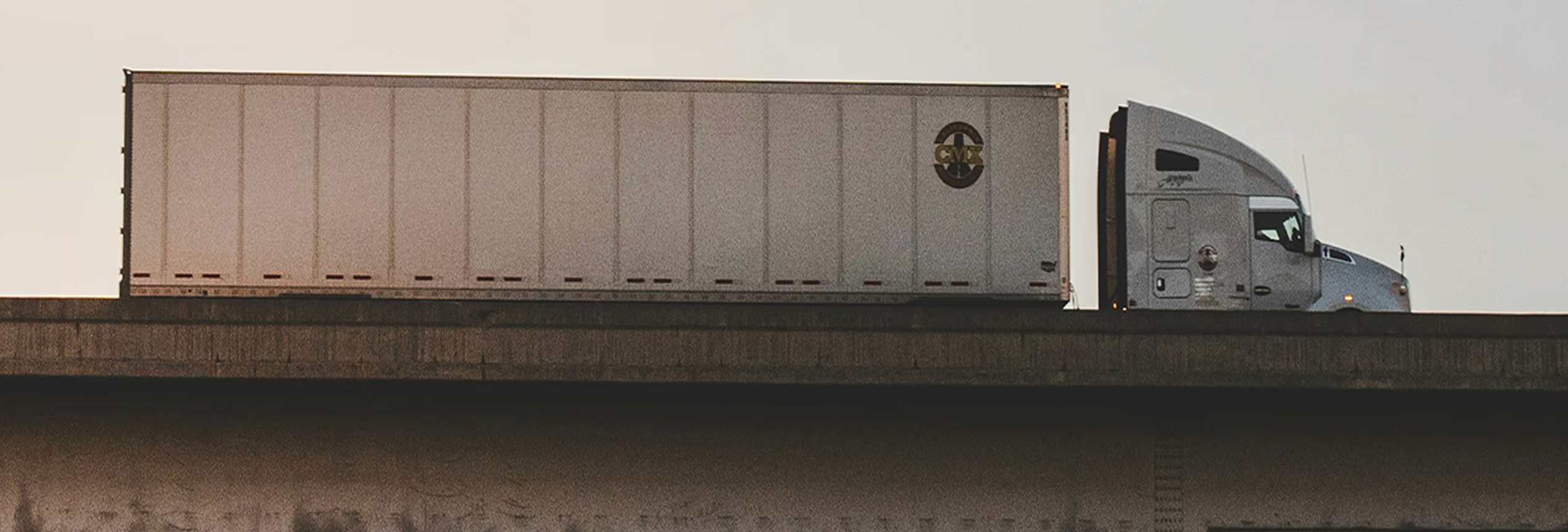
Commercial fleet truck ready for pre-trip DVIR inspection before departure
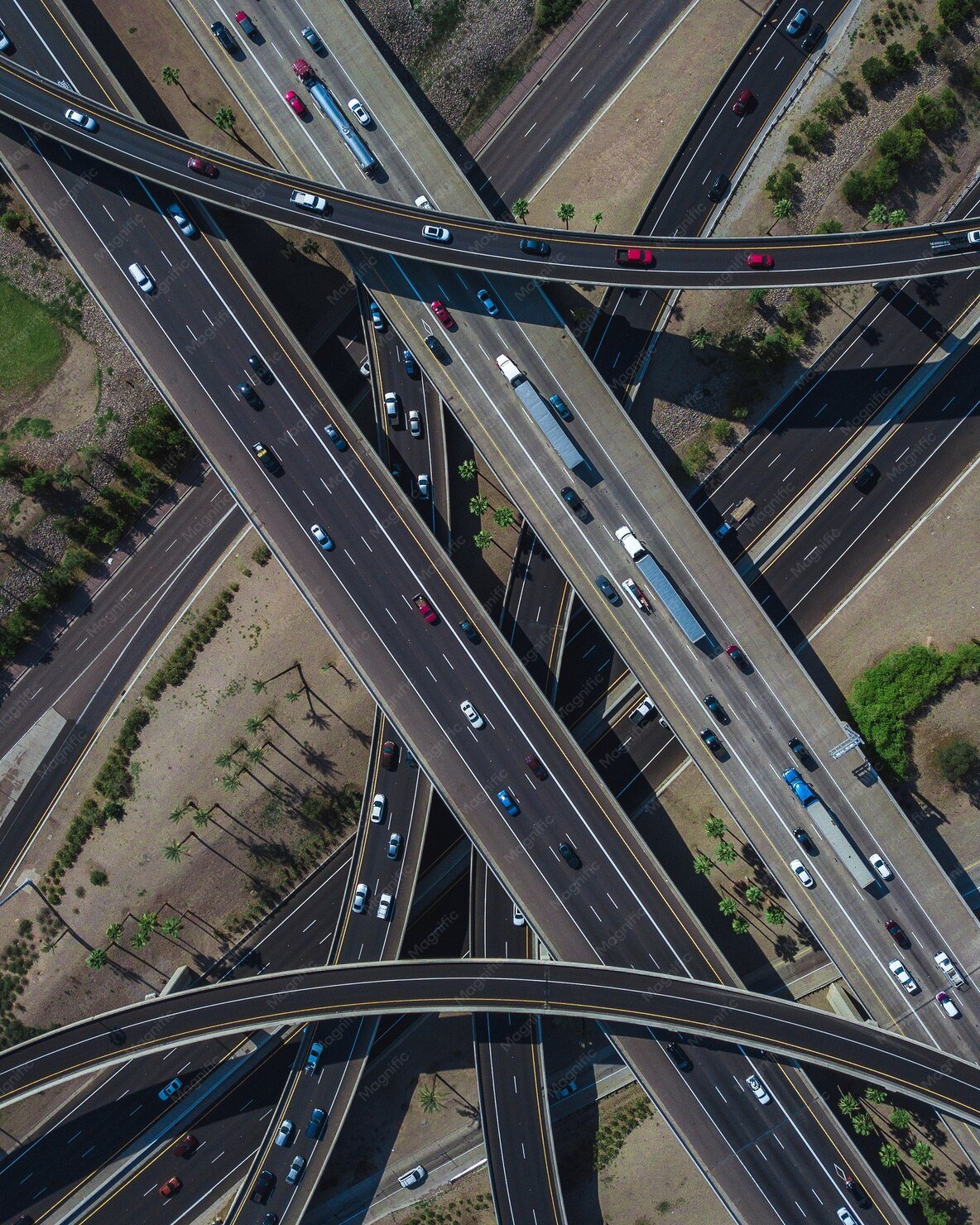
Aerial view of fleet vehicles on highway after completing safety inspections

Everything You Need to Manage Inspections and Keep Vehicles Compliant

Standardize inspections, capture issues clearly, and ensure every vehicle is checked before it goes on the road.

Inspection Workflow
01

Digital DVIR Forms

Replace paper-based inspections with structured digital reports

02

Pre-Trip & Post-Trip Checks

Ensure vehicles are inspected before departure and after return

03

Driver-Friendly Inspection Flow

Simple, guided steps make it easy for drivers to complete inspections correctly

Issue Reporting & Visibility
04

Defect Reporting with Details

Drivers can record issues with notes and clear descriptions

05

Inspection History Tracking

Maintain a complete record of inspections for every vehicle

06

Vehicle Condition Visibility

Quickly understand which vehicles are safe and which need attention

Compliance & Control
07

DVIR Compliance Management

Ensure inspections meet regulatory and safety requirements

08

Maintenance Follow-Up Tracking

Track whether reported issues are resolved before the next trip

09

Audit-Ready Records

Keep inspection reports organized and accessible for audits and reviews

How Hauloop DVIR Inspections Work from Driver Check to Vehicle Approval

STEP 01 Driver starting a digital pre-trip DVIR inspection on a mobile device
01

Driver Starts Inspection

Drivers begin a pre-trip or post-trip inspection using a guided digital checklist

STEP 02 Driver completing each step of a structured digital vehicle inspection checklist
02

Checklist Completion

Each inspection step is completed with clear inputs, ensuring nothing is skipped

STEP 03 Driver recording vehicle defects and issues found during inspection
03

Issue Identification

Drivers record any defects or concerns observed during the inspection

STEP 04 DVIR inspection report being submitted digitally and stored against the vehicle record
04

Report Submission

Inspection reports are submitted instantly and stored against the vehicle

STEP 05 Fleet manager reviewing reported vehicle issues and assigning them for maintenance follow-up
05

Issue Review & Assignment

Reported issues are reviewed and assigned for follow-up or maintenance

STEP 06 Fleet vehicle cleared and approved for next trip after completing DVIR inspection
06

Vehicle Clearance for Next Trip

Vehicles are approved for use only after inspection and issue resolution

Favicon

Don't send vehicles on the road without a completed inspection - Hauloop makes sure every check is done and every issue is recorded.

Book a Hauloop Demo

Where DVIR Inspections Break Down in Daily Operations

Inspections Are Skipped or Rushed

Drivers often complete checks quickly or miss steps, leaving critical issues unnoticed

No Follow-Up on Reported Defects

Problems are recorded but not tracked through to resolution before the next trip

Paper Reports Get Lost or Ignored

Manual DVIR forms are hard to track, easy to misplace, and rarely reviewed in time

Lack of Visibility Across Vehicles

Teams don't have a clear view of which vehicles are safe and which need attention

Issues Are Reported Without Clarity

Incomplete or unclear defect notes make it difficult to understand what needs fixing

Compliance Becomes a Risk

Inconsistent inspections make it harder to meet safety and regulatory requirements

Stop sending vehicles on the road without a completed inspection.

Make every check consistent, every issue recorded, and every vehicle accountable.

Discover Hauloop

Fewer missed checks.
More accountability. Safer vehicles,
every trip.

60%
Faster inspection completion

"Drivers finish inspections in half the time with the guided digital flow."

Fleet Operations Team
3x
Better issue reporting accuracy

"Defects are now reported clearly - we know exactly what needs fixing and where."

Maintenance Manager
50%
Reduction in missed inspections

"Every vehicle gets checked now - nothing slips through before a trip."

Fleet Safety Manager

Frequently Asked Questions

01 What is a DVIR inspection in fleet management?

A DVIR (Driver Vehicle Inspection Report) is a checklist completed by drivers before and after trips to confirm the vehicle's condition. It helps identify defects, ensure safety, and maintain compliance with regulations.

02 How does Hauloop digital DVIR improve inspections?

Hauloop replaces paper-based DVIR with structured digital checklists, making it easier for drivers to complete inspections, report issues clearly, and submit reports instantly for review.

03 What is included in a DVIR checklist?

A DVIR checklist typically includes key vehicle components such as brakes, tires, lights, engine condition, and safety equipment. Hauloop allows you to customize checklists based on your fleet requirements.

04 Can I track inspection history for each vehicle?

Yes. Hauloop maintains a complete inspection history for every vehicle, making it easy to review past reports, identify recurring issues, and stay audit-ready.

05 How does digital DVIR reduce paperwork?

All inspection reports are captured and stored digitally, eliminating manual forms, reducing errors, and making records easily accessible when needed.