Fleet trip history & replay for end-to-end trip visibility
Review past trips, replay vehicle movement, and understand what actually happened on the road - without relying on assumptions or manual updates.
Review past trips, replay vehicle movement, and understand what actually happened on the road - without relying on assumptions or manual updates.
Hauloop gives you a complete view of past trips, so you can review movement, identify issues, and understand what actually happened - without relying on assumptions or driver feedback.


A completed trip shouldn't be a black box. Hauloop gives you the tools to replay, analyze, and understand every movement, so you can fix issues and improve future operations.
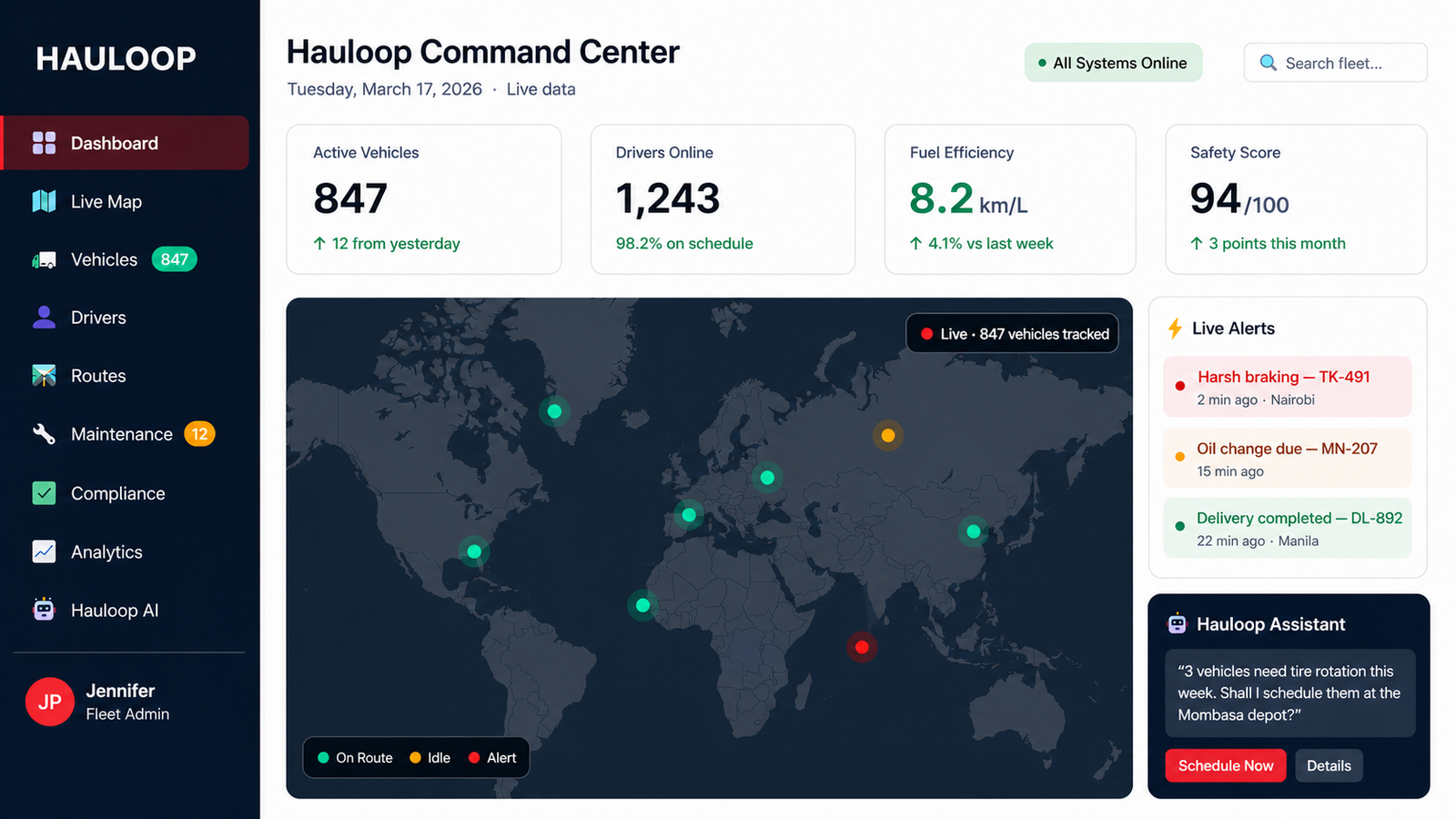
Replay every trip step by step to see actual movement on the route
View exact routes taken with clear start, stop, and end points
Track trip events across a structured timeline for better clarity
Identify where vehicles stopped and where time was lost
Detect off-route movement and unexpected changes instantly
Evaluate how efficiently each trip was completed
Understand driver behavior during each trip
Search and analyze trips by date, vehicle, or route
Access past trip data anytime for audits and analysis

Vehicle movement is recorded throughout the trip, including routes, stops, and timelines
All trip data is stored with complete route history and movement records

Replay the trip step by step and view movement across a clear timeline
Identify where delays, stops, or route changes occurred during the trip

Review driver activity, trip patterns, and movement behavior

Use insights to fix issues and improve future trips

Hauloop doesn’t just store your trips. It shows what happened and what needs to change.
Get Started with HauloopOnce a trip is completed, it's difficult to verify what actually happened on the road
Trips cannot be visualized step by step to understand real movement
Trip issues are explained manually, often without complete or accurate details
Routes, stops, and timelines are not available in one connected view
You know a delay occurred, but not where or why it happened
Without visibility into past trips, operational problems continue
"We can now replay any trip and know exactly what happened, without asking anyone."
"Pinpointing where delays happen used to take hours. Now it takes minutes."
"Trip history gives us the facts. We don't need to rely on driver feedback anymore."
Trip history records all completed fleet trips, including routes, stops, timelines, and vehicle movement, so you can review what happened after the journey ends.
Trip replay allows you to play back a vehicle's movement step by step on a map, helping you understand how the trip actually unfolded.
Yes. Hauloop provides complete route visualization, including start point, stops, deviations, and final destination.
It gives you clear visibility into what actually happened during a trip, helping you reduce repeated issues and make better operational decisions.
Yes. Trip history helps you identify inefficiencies, recurring delays, and route issues to improve future operations.