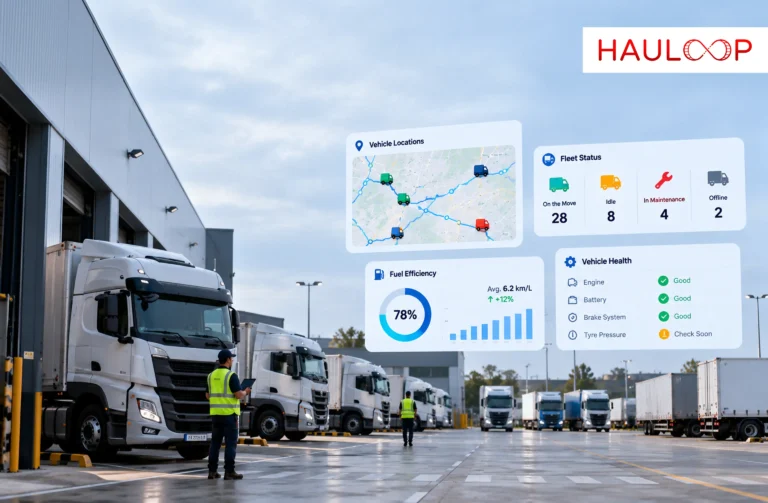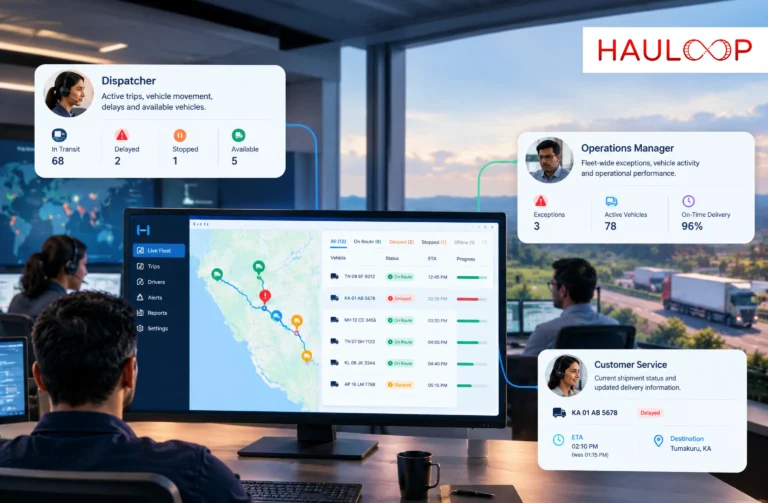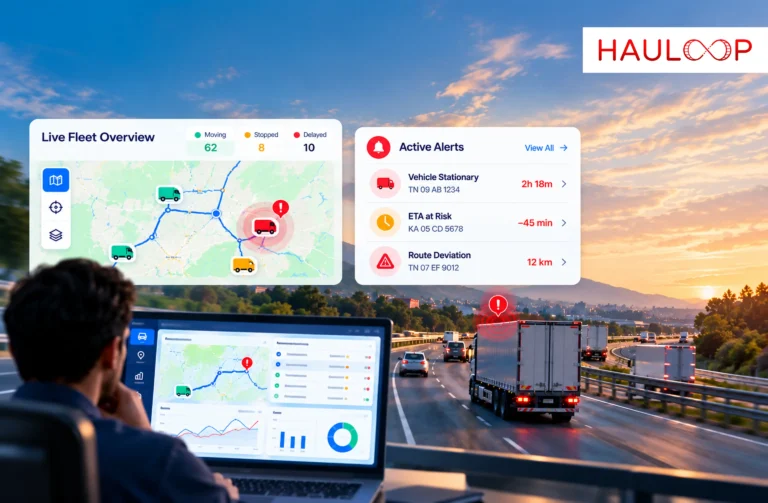
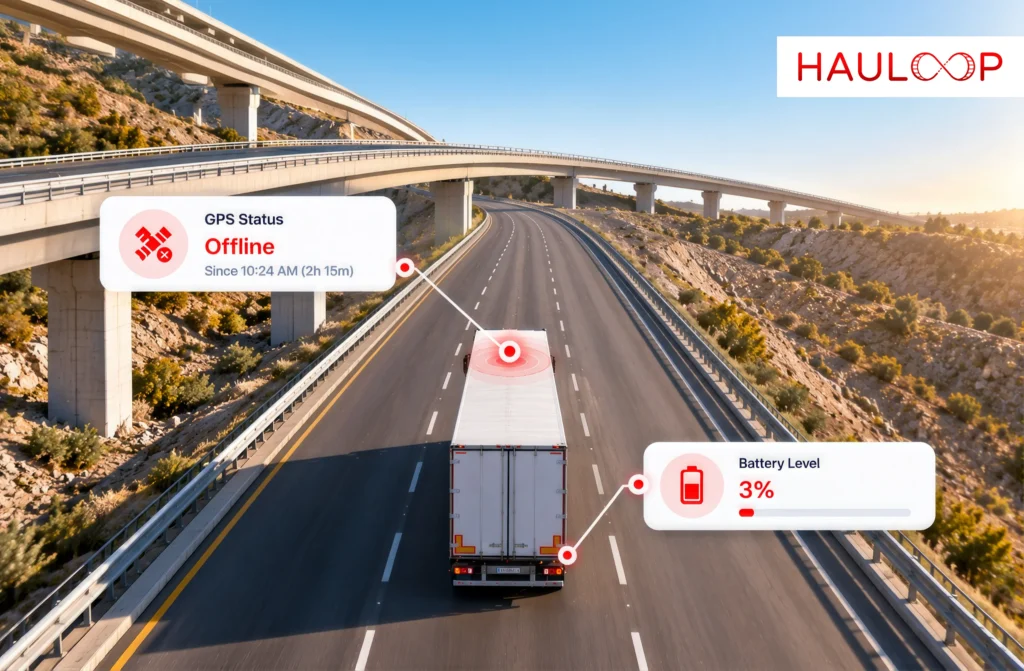
A truck disappearing from the live map is not only a technical notification. Dispatch can no longer confirm whether the vehicle is moving, delayed, parked or following the planned route.
Consider Truck FL-208.
Its last location reaches the tracking platform at 22:40. The next update appears at 01:55. For three hours and 15 minutes, the operations team has no current visibility of the trip.
The immediate reaction may be to contact the GPS vendor and report a faulty device. However, an offline status does not prove that the tracker has failed. The vehicle battery may have been disconnected, the SIM may have stopped transmitting or the truck may have entered a network dead zone.
The driver may already know the reason.
Some fleets may call the driver when a truck remains offline for more than 90 minutes. That threshold should be configured according to the route, cargo, customer commitment and operating risk. A high-value load or unexpected route deviation may require a much faster response.
The important principle is simple: treat an offline vehicle as a trip exception before treating it as a confirmed technical fault.
Let’s examine why a GPS tracker can go offline, what your fleet should check first and when the issue should be escalated to the vendor.
What Does It Mean When a GPS Tracker Goes Offline?
A GPS tracker is normally shown as offline when the fleet platform has not received a new update within the configured period.
That does not necessarily mean the device has stopped calculating its location.
A complete tracking connection depends on several stages. The device needs power, access to positioning signals, an active SIM or communication service, network coverage and a working connection with the receiving server. The platform must then process and display the information.
A disruption at any one of these stages can make the vehicle appear offline.
Some compatible trackers continue recording information when mobile coverage is unavailable. Once communication returns, they may upload the stored locations with their original timestamps. The fleet can then review where the truck travelled, but dispatch did not have live visibility during the outage.
Hauloop’s live tracking connects reported vehicle locations with movement, stoppage and active-trip information. The visibility available still depends on the fitted device, power supply, reporting configuration and network connection.
Your Truck Can Disappear Even When the GPS Still Works
An offline vehicle can have several possible causes:
- Power interruption: The vehicle battery was disconnected, the isolation switch was turned off or the tracker wiring became loose.
- SIM problem: The data plan expired, available data was exhausted or the communication settings were incorrect.
- Network loss: The vehicle entered a tunnel, remote area, quarry, covered loading bay or another weak-coverage location.
- Installation fault: Vibration, water, heat or poor wiring affected the device or antenna.
- Delayed integration: The GPS provider received the data, but another server or fleet platform did not receive it on time.
- Device failure: The tracker, antenna, backup battery or communication module stopped functioning.
- Server issue: Data was captured and transmitted but was delayed before appearing on the platform.
These causes require different responses. Replacing a tracker will not correct a suspended SIM. Raising a vendor ticket will not restore mobile coverage on a remote road. Calling the driver alone cannot repair damaged wiring.
The fleet must first identify which part of the connection stopped working.
Find Out What Was Happening on the Trip
Before opening a support ticket, dispatch should place the offline event inside the active trip.
Check:
- The vehicle’s last reported location
- The time of its final update
- Whether it was moving or stationary
- The planned route and next scheduled stop
- The assigned driver and cargo
- Known network gaps along the route
- Any power or device-health warning
- Whether other vehicles in the same area are also offline
The last known location can change the urgency of the response.
A truck that stops reporting inside a recognised network dead zone may need driver confirmation and continued monitoring. A high-value load that disappears immediately after an unexplained detour may require an urgent security response.
Our guide to live fleet tracking explains why a location becomes useful when it is connected with movement, stops, route progress and current trip status.
Call the Driver Before Opening a Vendor Ticket
After reviewing the available trip information, dispatch should contact the driver where it is safe and appropriate to do so.
The purpose is not to blame the driver or simply ask whether the tracker light is flashing. The call should establish what was happening when the vehicle stopped reporting.
Ask:
- Where is the truck now?
- Is it moving, parked or undergoing repairs?
- Was the vehicle battery disconnected?
- Was the isolation switch turned off?
- Did the truck enter a remote or covered area?
- Was any tracker wiring or electrical equipment disturbed?
- Was the stop planned or unexpected?
The answer should be compared with the trip record.
Suppose the driver of FL-208 says the truck entered a workshop at 22:35 and its battery was disconnected. A last update at 22:40 would broadly support that explanation.
If the driver says the truck continued along a well-covered highway, but no data arrived for more than three hours, the SIM, wiring, device or server connection may require further investigation.
Driver information provides context, but it should be verified against the available evidence rather than accepted or rejected automatically.
Check Power, SIM, Driver and Network
A consistent four-point check prevents incomplete vendor tickets and helps dispatch identify the most likely cause.
| Check | What should be verified? | What could it reveal? |
| Power | Battery connection, isolation switch, wiring, voltage and backup battery | Planned disconnection, loose wiring, installation fault or depleted backup power |
| SIM | Data balance, validity, suspension, APN settings and roaming availability | Expired service, exhausted data or incorrect communication settings |
| Driver | Current position, stop reason, repairs and route activity | An operational explanation that can be compared with the trip |
| Network | Known dead zones, tunnels, remote stretches and nearby vehicles | Temporary coverage loss rather than immediate device failure |
Record the result of each check against the same offline event.
If the vehicle later reconnects, review the timestamps of any uploaded locations. Do not assume every point occurred at the time it appeared on the screen.
For example, several locations may arrive at 01:55 but carry event times between 22:40 and 01:55. That would suggest that the device continued recording but could not transmit. It is different from a tracker that recorded no information throughout the outage.
Give the Vendor Evidence, Not Just an Offline Alert
The GPS vendor should investigate when the available evidence points towards a device, installation, SIM-management, data-feed or server problem.
A useful support ticket should contain:
- Vehicle registration or fleet ID
- Device maker, model and serial number
- Last successful update
- Last reported location
- Length of the outage
- Driver’s explanation
- Power and SIM checks completed
- Whether stored data appeared after reconnection
- Whether other vehicles experienced the same issue
- Relevant screenshots or trip records
“Truck offline please check” forces the support team to begin by requesting information the fleet could already provide.
For recently fitted devices, installation, vehicle mapping and activation should also be reviewed. The guide to choosing a GPS device for mining tipper lorries explains why wiring, SIM validity, server compatibility and support responsibility must be confirmed during installation.
One Offline Event is a Problem; a Repeated Pattern is a Clue
The investigation should not end when the tracker starts reporting again.
The event should remain connected to the trip, showing when reporting stopped, when it resumed, the likely cause, the action taken and whether the route, ETA, customer update or delivery was affected.
Hauloop’s trip history can help operations teams compare the reporting gap with the vehicle’s route, stops and any movement data uploaded after reconnection.
Individual incidents should then be reviewed together.
Imagine FL-208 going offline every Friday between 23:00 and 00:30. Separate support tickets may make these incidents appear unrelated. A monthly review could reveal that every outage happens near the same parking area, after the same shift change or when the vehicle’s battery isolation switch is used.
Repeated events may indicate:
- A regular network dead zone
- A vehicle-specific electrical fault
- Loose wiring affected by vibration
- Recurring SIM expiry or data exhaustion
- Repeated battery disconnection
- Possible interference with the tracker
- A driver or operating habit requiring investigation
The pattern should determine the response. A known network gap may require a different alert rule. Recurring power loss may require an installation inspection. A driver-related concern should be discussed using evidence, not assumption.
Hauloop’s automated reports can help fleets review offline frequency, duration, location and recurring causes without allowing each incident to disappear after reconnection. The broader value of reviewing repeated location patterns is also covered in our guide to GPS intelligence.
Use an Offline Threshold That Matches the Trip Risk
Ninety minutes may be a suitable escalation point for some operations, but it should not become a universal rule.
A vehicle travelling through a known rural coverage gap may justify a longer confirmation window. A tanker, passenger vehicle, high-value shipment or truck that goes offline after leaving its approved route may require immediate attention.
The threshold should reflect:
- Expected device-reporting frequency
- Cargo value and security risk
- Driver safety
- Route coverage
- Customer commitments
- Vehicle type
- Time of day
- Availability of another communication channel
Different routes may require different rules. What is expected on a remote mining road may be unacceptable on a well-covered urban delivery route.
The purpose of the threshold is to trigger the right response at the right time—not to delay action until a fixed timer expires.
Conclusion: Investigate the Trip Before Blaming the Tracker
Return to FL-208. The truck disappeared from the live map for three hours and 15 minutes, but that reporting gap alone did not prove that its GPS device had failed.
Dispatch first needed to review the active trip, confirm the last reported location and speak to the driver. Power, SIM and network checks could then determine whether the outage had an operational explanation or required technical investigation.
If those checks did not explain the incident, the vendor could receive a complete support request containing the vehicle, device, location, timestamps and troubleshooting already completed.
The event should then remain part of the trip record. If FL-208 goes offline again at the same time or location, the fleet can investigate the pattern instead of opening another isolated ticket.
That is the practical answer: an offline truck is first a trip exception that requires context. It becomes a confirmed technical fault only when the evidence points in that direction.
AI-powered fleet management software can connect offline alerts with the vehicle, driver, route and trip history, helping teams understand reporting gaps before escalating them. Book a Demo to see how connected trip visibility can support your fleet’s offline-response process.
Frequently Asked Questions
What should dispatch do when a truck goes offline during a delivery?
Suppose a delivery truck stops reporting shortly after leaving a warehouse. Dispatch should check its last position, planned route and next stop before contacting the driver. Power, SIM and network conditions should then be verified before the issue is escalated as a device failure.
Does an offline GPS tracker mean the device is faulty?
No. A truck entering a remote quarry may lose mobile communication while the tracker continues recording locations. The device may upload those records after coverage returns. Power loss, SIM expiry, wiring faults and platform delays can also create an offline status.
Should every fleet wait 90 minutes before contacting the driver?
No. A high-value cargo vehicle that goes offline after an unexpected detour may require immediate contact. A truck crossing a documented rural dead zone may follow a different procedure. The response threshold should match the trip’s operational and security risk.
How can dispatch distinguish power loss from network loss?
If the tracker uploads stored journey points after reconnecting, it may have retained power but lost communication. If no records exist and the driver confirms that the vehicle battery was isolated, power loss becomes more likely. Technical confirmation may still be required.
What information should be included in a GPS vendor ticket?
For a truck that remains offline, include the fleet ID, device details, last update, coordinates, outage duration, driver explanation, power and SIM checks, affected trip and whether delayed data appeared later. This gives the vendor evidence for a focused investigation.
Why should offline events be reviewed monthly?
A monthly review may reveal that one vehicle repeatedly goes offline near the same location, during the same shift or before its SIM renewal. That pattern can lead to a coverage rule, wiring inspection, renewal control or evidence-based driver discussion.