A transport office releases a truck for a customer order. The vehicle number is in a spreadsheet, the driver receives the instructions over a phone call, the GPS location appears in another app and the delivery acknowledgement returns later as a photograph.
The truck may complete the journey, but the operation is still difficult to control. A delay sends dispatch back to the driver, a cost review sends accounts across several records and a shortage forces the team to reconstruct the delivery after the event.
This fragmentation matters in a country where roadways carry about 66% of freight movement, according to NITI Aayog. Every disconnected trip creates more calls, slower decisions and weaker evidence across a large part of the logistics operation.
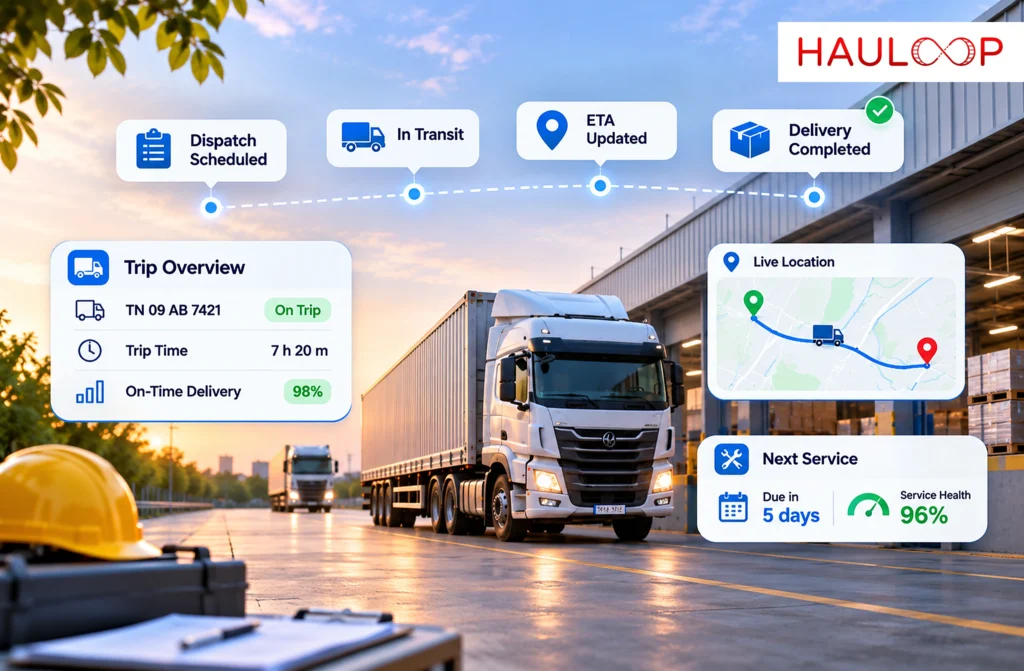
Truck fleet management software in India should do more than place vehicles on a map. It should keep the order, truck, driver, route, cargo, delivery outcome and trip cost connected from the moment work is assigned until the trip is closed. Let’s examine what that connected process should look like in daily transport operations.
What Should Truck Fleet Management Software Connect?
Truck fleet management software connects the commercial job with the people, vehicles and events used to complete it.
A practical system should link:
- The customer, order and consignment
- The assigned truck, trailer and driver
- The planned route, stops and delivery window
- Vehicle movement and trip progress
- Driver updates and operating exceptions
- Delivery status and proof of handover
- Fuel, tolls, waiting and other trip costs
The relationships give the records meaning. A location belongs to a truck and active trip; a delivery acknowledgement belongs to an order and accepted quantity; a fuel expense belongs to the work that consumed it.
This is the purpose of connected trucking software: not simply collecting more data, but keeping each operational event attached to the trip it belongs to.
Build One Trip Record Before the Truck Leaves
Control begins before dispatch. The team should create a trip record containing the order reference, customer, cargo, pickup, destination, planned stops and expected delivery time. The selected truck and driver should then be assigned to that same record.
This makes allocation conflicts, unavailable vehicles and missing requirements visible before release. Cargo instructions and customer restrictions remain attached to the job instead of being passed verbally.
Planning does not make the journey fixed. Traffic, loading delays, customer changes and vehicle issues can still affect execution. A strong trip record gives the team a common starting point against which those changes can be understood.
Give the Driver the Same Instructions Dispatch Can See
Information often becomes distorted between the transport office and the cab. A dispatcher may explain three stops by phone, while the driver records only the addresses. A revised delivery window may remain inside a messaging thread and never become part of the trip history.
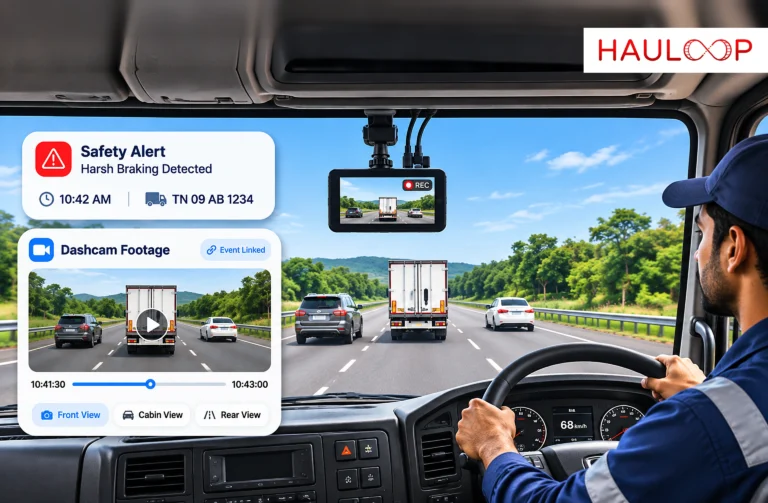
A connected driver app can place the assigned trip, stop sequence, customer instructions and required tasks in one view. The driver can then report arrival, delay, loading completion or another exception against the correct job.
This does not remove communication. It gives each update an operational record. A changed unloading gate can be attached to the stop; a breakdown can immediately identify the affected order and delivery commitment.
The workflow should remain simple. Status updates, exception reasons and documents must be captured safely while the vehicle is stationary.
Follow Trip Progress Without Calling Every Driver
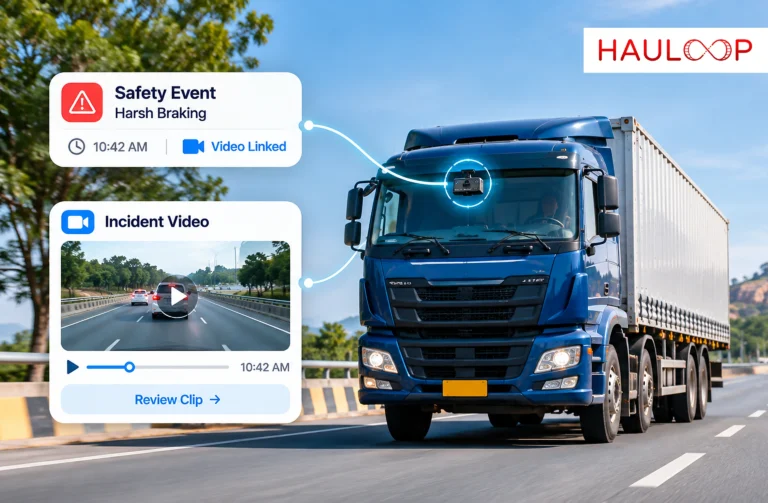
Once the vehicle moves, dispatch needs to know whether the trip is progressing as expected. The useful view is not merely the latest pin on a map. It should show the assigned order, last update time, movement status, completed stops, remaining work and any delay affecting the plan.
If three trucks are on time and one has remained outside a loading site for two hours, dispatch can investigate that movement and update the customer.
This is the role of active tracking: turning reported vehicle movement into trip context that helps the team act.
The data must still be read correctly. Network coverage, device power and update frequency affect visibility. The screen should show the last-update time so dispatch does not mistake an old position for current movement.
ETA should also be treated as an estimate, not a guarantee. It becomes more useful when recalculated from current progress, remaining stops and known delays.
Keep the Cargo Status Separate from the Truck Status
One truck can carry several orders with different outcomes: one delivered, another refused and a third still on board for the next stop.
Vehicle tracking cannot explain those differences by itself. A cargo record should identify which consignment was loaded, which stop it belongs to and which milestone it has reached. This allows the team to answer a customer’s question using the order reference instead of first locating the truck and reconstructing the load.
The distinction is explained further in cargo tracking: the vehicle record follows the truck, while the consignment record follows the customer’s goods.
Connected delivery management can keep manifests, handovers and delivery events associated with the trip. Quantities, refusals, damage and transfers must still be recorded through the operating process.
Close the Delivery with Evidence, Not a Status Change
Marking a task as “delivered” closes a workflow, but it does not independently prove what the customer received. The delivery record should capture the consignment reference, recipient, time, location, accepted quantity and any exception raised during handover.
For example, if 30 packages were assigned but the recipient accepts 28, the driver should record a partial delivery before leaving. Photographs, notes and the recipient’s acknowledgement can then remain attached to the same trip.
Reliable delivery evidence helps customer service respond without searching through paper slips or personal phone galleries. It also distinguishes a delayed trip, an unsuccessful attempt and a completed handover.
Complete the Trip with its Actual Operating Result
Delivery completion should trigger the final operational review. The business still needs to understand whether the result matched the plan.
The completed record can bring together distance, fuel, tolls, driver expenses, waiting time, empty running and other defined direct costs. These values should be compared with the order revenue using a clear calculation boundary. A contribution after direct trip costs is not necessarily the company’s final net profit because overheads, finance costs and taxes may sit outside the trip calculation.
An end-of-trip report lets the team review waiting, unplanned distance or an unusual expense before assigning the next movement. A month-end total may arrive after the same low-margin route has been repeated.
The completed trip should therefore answer three questions:
- Was the customer commitment completed, and with what outcome?
- Which operational exception changed the planned journey?
- Did the defined trip revenue recover the recorded direct costs?
These answers turn a completed delivery into information that improves the next dispatch decision.
Conclusion: Keep the Whole Trip in One Operational Record
Return to the opening trip. Every record existed, but the team still had to reconstruct the operation whenever a question was raised.
Truck fleet management software solves that problem by keeping the order, assignment, vehicle progress, cargo status, delivery evidence and trip result connected. Dispatch can manage the active movement, customer service can answer with current information and management can review the completed outcome.
That is what makes the software useful to a transport operator: not another isolated screen, but one operational record that follows the work from dispatch to delivery.
A connected AI Powered fleet management Software can bring these trip events into one working view. Book a Demo to see how Hauloop can connect daily truck operations without forcing your team to rebuild every journey from separate records.
Frequently Asked Questions
Can truck fleet management software manage owned and attached trucks together?
Yes, when the platform supports the available data sources and the fleet clearly identifies vehicle ownership and reporting capability. For example, owned trucks may provide frequent GPS and vehicle data, while an attached truck may share periodic location or driver-app updates. The system should preserve those differences rather than imply that every truck supplies identical information.
How does the software help when a customer asks why a delivery is late?
The team can open the order-linked trip and review the truck’s last update, completed stops, current delay and driver-reported exception. If a loading queue delayed Truck TN-52-K-1840 by 75 minutes, customer service can explain the cause and provide a revised estimate without calling several departments.
What happens when a truck travels through a low-network area?
The screen may show the last received position until connectivity returns. A compatible tracking device may store movement points and upload them later, but the exact behaviour depends on the hardware and configuration. The trip should display its last-update time so dispatch knows that current visibility is limited.
Can the system prove that an order was delivered?
The trip status alone cannot prove delivery. For a 40-carton order, the record should show the recipient, accepted quantity, time, location, signature and any shortage or damage reported during handover. This connects the truck’s arrival with evidence of what was actually accepted.
How can a transporter review whether a completed trip was commercially worthwhile?
The trip can compare order revenue with defined direct costs such as fuel, tolls, driver expenses, waiting and empty return distance. If a recurring Hyderabad–Pune movement loses its expected contribution because of unloading delays and an empty return, the operator has evidence for repricing or changing the operating plan.
Does truck fleet management software replace the dispatch team?
No. It gives dispatch a shared record and earlier visibility. People still decide how to respond to a breakdown, customer change, road closure or refused delivery. The software reduces manual reconstruction so the team can spend more time managing the exception.