Arrivals No Longer Need Confirming
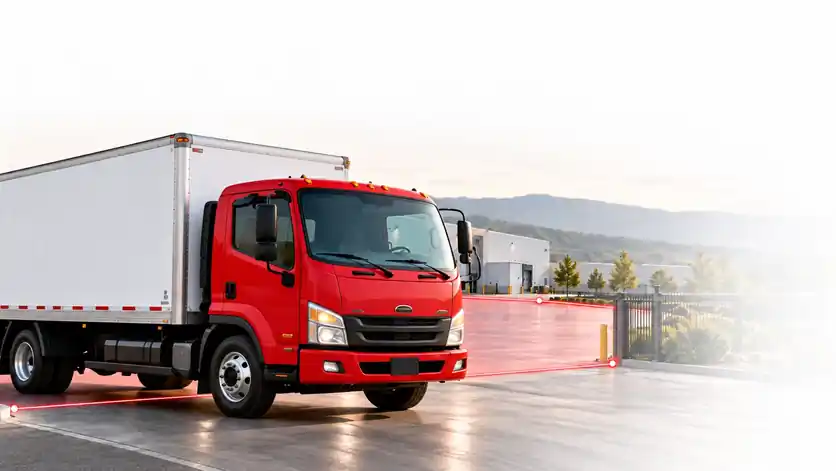
When a vehicle enters a defined location, Hauloop records the event automatically. Operations know the vehicle has reached the boundary without waiting for a call or message.
Draw a boundary around the places that matter to your operation. When a vehicle arrives, leaves or stays longer than expected, Hauloop records the event and triggers the next required action.
Start Your 3-Month Trial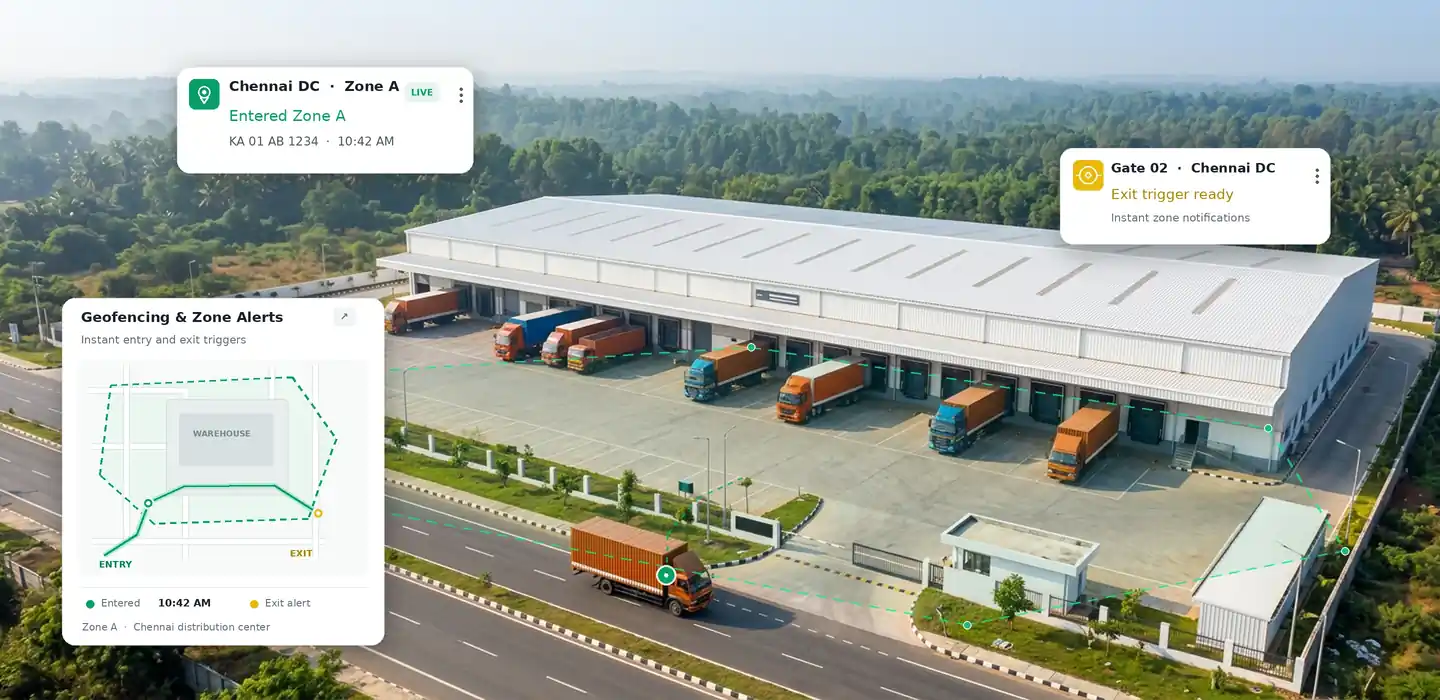
When a vehicle enters a defined location, Hauloop records the event automatically. Operations know the vehicle has reached the boundary without waiting for a call or message.
Leaving a defined zone creates its own recorded event, giving your team a dependable reference for when the vehicle finished at that location and moved on.
Dwell logic identifies when a vehicle remains inside a zone beyond the expected period, helping operations investigate loading, unloading or site delays while they are still relevant.
Entry, dwell and exit conditions can work together within one zone rule, turning a complete site visit into a structured sequence instead of separate manual checks.
Create unlimited zones around depots, yards, customer locations, job sites and other operational areas, so geofencing can match the way your fleet actually works.
Arrival and departure activity can generate site-boundary paperwork automatically, creating a documented record of vehicle activity without relying on manually reported times.
Create geofenced boundaries around depots, customer locations, yards, job sites and other operational areas where vehicle arrival, departure or time on-site matters.

Set up as many operational zones as your fleet requires, giving every relevant location its own defined boundary without limiting coverage as operations expand.

Define what Hauloop should record when a vehicle enters a zone, turning the moment it crosses the boundary into a recognised operational event.

Configure departure logic independently, so leaving a defined area creates an accurate event rather than depending on a manually reported departure time.

Set time conditions for individual zones to recognise when a vehicle remains inside longer than intended and distinguish an extended stay from a normal visit.

Choose which configured zone events should generate geofence alerts, helping teams receive notifications for boundary activity that actually requires their attention.

Drill into a triggered event to identify the vehicle, geofence and event type involved, giving operators the context behind each recorded boundary interaction.

Add, update and maintain configured zones as depots, customers and operating locations change, keeping geofence rules aligned with the fleet’s current working network.

Use captured arrival and departure events to support automatically generated site-boundary paperwork, creating a consistent operational record from the geofence activity Hauloop records.

From setting a boundary around an operational location to recognising what happens when a vehicle interacts with it, Hauloop turns configured zone rules into a clear operational workflow.
Set a virtual boundary around a depot, customer location, yard, job site or other area where vehicle activity needs to trigger a defined response.
Choose the conditions that matter for that location, including vehicle entry, exit and dwell, so each zone reflects what operations actually need to know.
When a connected vehicle meets the configured boundary condition, Hauloop automatically identifies the event without relying on the driver or dispatcher to report it.
Once the condition is met, Hauloop initiates the configured alert or associated process, turning a physical boundary crossing into an actionable operational event.
Captured arrival and departure activity creates a dependable site record and can support automatically generated boundary paperwork without reconstructing timestamps later.
See how site coordination changes when arrivals, departures and time on-site are captured by defined zone rules instead of relying on manual updates.
The office depends on a driver call, message or another manual update to establish when a vehicle actually reached the location.
Crossing into the configured zone creates the arrival event, giving operations a system-recorded time instead of a manually reported one.
Operations may know a job is complete without having a dependable record of when the vehicle actually left the location.
Crossing out of the configured boundary records the departure, providing a clear reference for when the vehicle left that operating area.
Excessive time at a customer, depot or job location may only become apparent after somebody reviews the day or asks why work fell behind.
A configured dwell condition identifies when time inside a zone exceeds the expected period, giving operations a specific site event to investigate.
As the number of operating locations grows, teams have more arrivals, departures and site activity to confirm manually throughout the day.
Unlimited geofences allow relevant operating locations to follow their configured rules without adding another manual location check for every site visit.
Arrival and departure details can end up spread across calls, messages and manually entered records, making the site visit harder to verify consistently.
Captured zone activity provides a consistent source for when the vehicle interacted with the defined location, reducing dependence on separately reported timestamps.
Documentation can depend on someone supplying the arrival or departure details before the site activity can be recorded completely.
Recorded arrival and departure activity can feed automatically generated site-boundary paperwork, carrying captured event data into the operational record.
Unlimited
Geofenced Zones
3
Entry, Exit & Dwell Conditions
One Rule
Complete Zone Logic
Automatic
Boundary Event Capture
Auto-Generated
Site Activity Records