Set Boundaries for Your Fleet and
Get Alerted Instantly
Track vehicle arrivals, monitor restricted areas, and receive alerts when fleet movement crosses defined zones.
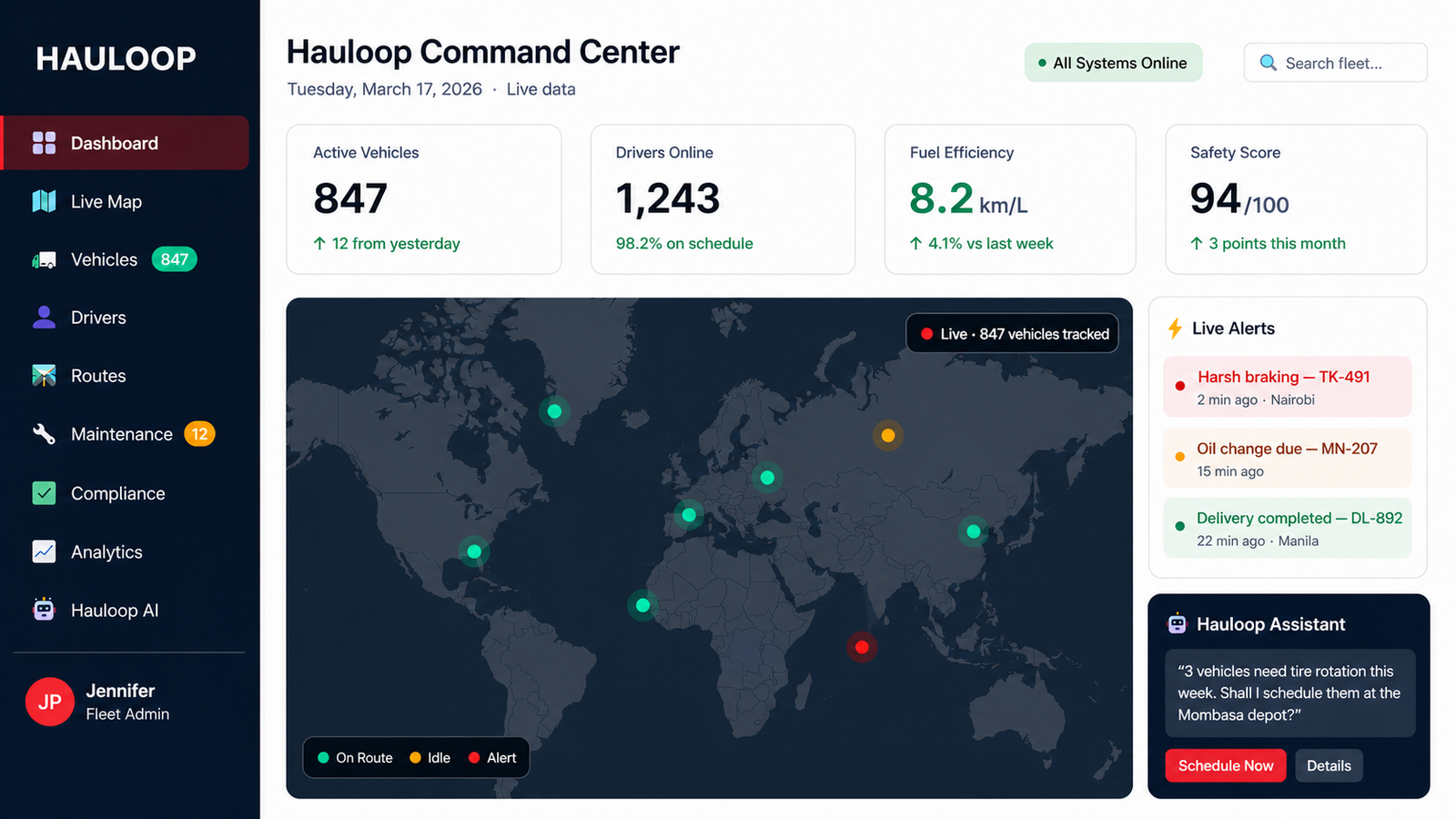
Track vehicle arrivals, monitor restricted areas, and receive alerts when fleet movement crosses defined zones.
Define location boundaries and get alerted when vehicles cross them - so your operations stay controlled, predictable, and compliant at all times.

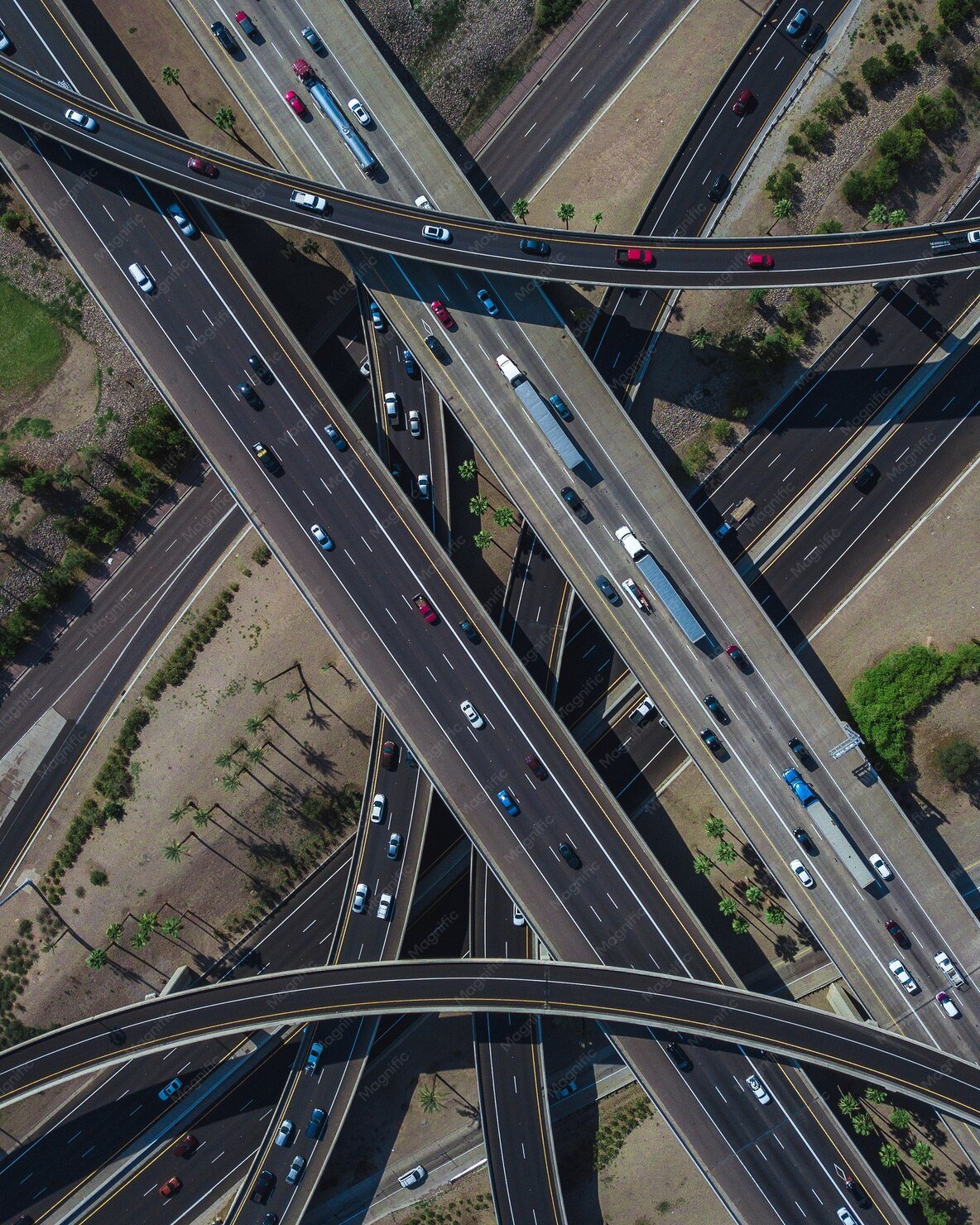
Set precise boundaries around your operational areas and get instant alerts when vehicles cross them - so your fleet always stays where it should be.
Track vehicles as they move in and out of defined zones with real-time visibility
Create and adjust geofences across routes, delivery points, and operational areas
View all zones, vehicles, and alerts together without switching between tools
Filter vehicles by location, zone activity, or movement across boundaries
Understand when vehicles arrive, leave, or stay longer than expected in zones
Track past entry, exit, and movement patterns across all defined locations
Get notified instantly when vehicles enter, exit, or breach defined zones
Track fleet assets across specific zones with continuous location updates
Manage multiple zones across regions, routes, and operational areas with ease
Set geofences around warehouses, delivery points, and restricted areas based on your operational needs
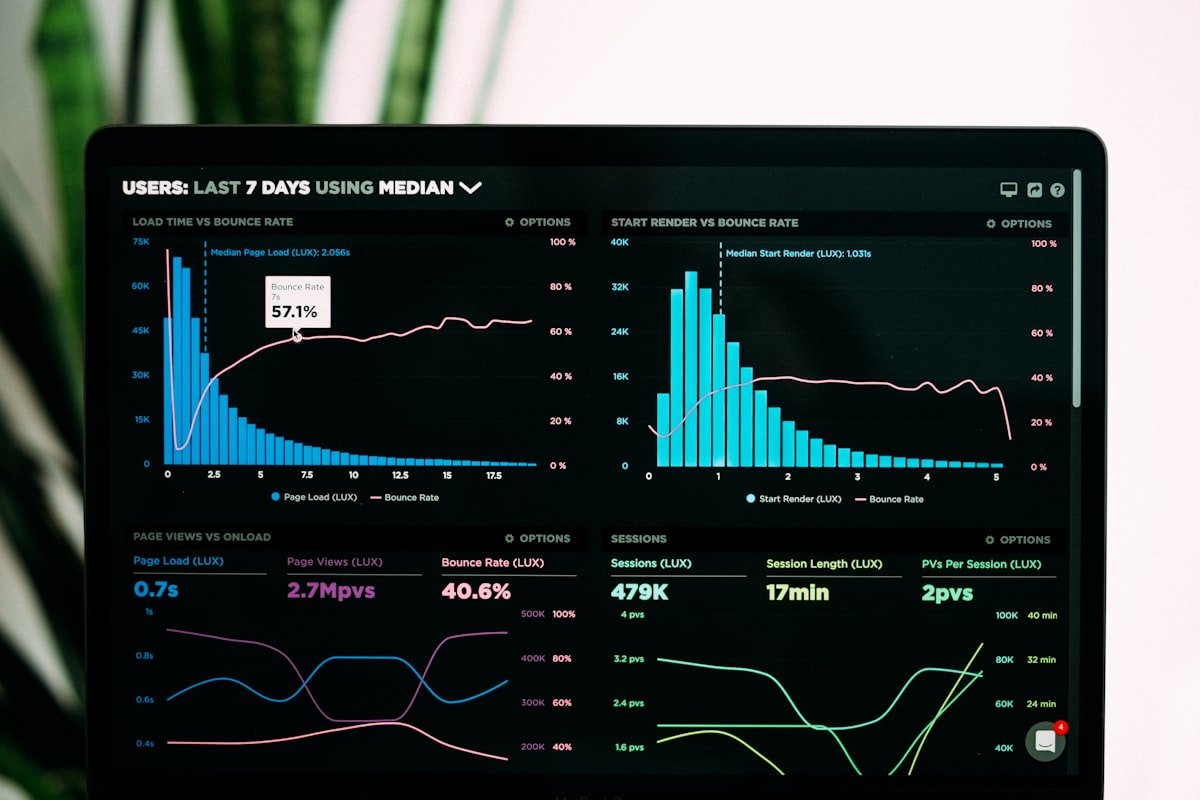
Every vehicle is continuously tracked against defined boundaries in real time

The system captures when vehicles enter, exit, or stay within specific zones
Instant alerts are generated when vehicles cross zones or move outside approved areas

See exactly where vehicles are, where they should be, and any deviations from plan

Respond quickly to unauthorized movement, missed arrivals, or unexpected delays

Define your fleet boundaries - and get alerted instantly when they're crossed.
Get Started with HauloopYou don't know exactly when vehicles reach customer or delivery locations
You see where the vehicle is - but not whether it's where it should be
Vehicles move outside expected areas without immediate visibility
Important location-based events are not captured or monitored in real time
There's no defined structure for where vehicles should or shouldn't operate
Without alerts, problems are identified too late to take immediate action
"Geofencing tells us the moment a vehicle arrives or leaves - no calls needed."
"Drivers know the zones now - and the system enforces it automatically."
"Zone alerts give us instant visibility the moment a vehicle crosses a boundary."
Geofencing lets you draw virtual boundaries around real-world locations - like depots, customer sites, or restricted areas. When a vehicle crosses those boundaries, Hauloop automatically detects the entry or exit and triggers the relevant alerts or records.
When a vehicle enters or exits a defined zone, Hauloop detects the boundary crossing in real time and sends an instant alert. You can configure alerts by zone type, vehicle, time of day, or event - so you only get notified when it matters.
Yes. Hauloop supports multiple geofence zones across your operation - depots, job sites, customer locations, and restricted areas. Each zone can have its own alert rules and monitoring settings, giving you full control over your entire fleet's location behaviour.
Hauloop can trigger alerts for zone entry, zone exit, unexpected visits, after-hours presence, or prolonged dwell time inside a zone. Each alert type helps you catch a specific location behaviour before it becomes a problem.
When drivers know that zone entries and exits are automatically tracked, location accountability improves without manual oversight. Hauloop's geofencing enforces location rules consistently - reducing unauthorized stops, missed site visits, and after-hours movement across your fleet.